Choose a practical photo size
Use 35 × 45 mm, 40 × 50 mm, 50 × 50 mm, 50 × 60 mm, 50 × 70 mm, US 2 × 2 in or enter a custom width and height in millimeters or inches.
Exact sizes from one photo
Take or import a portrait, crop it without distortion, review practical quality checks and export a single image or printable photo sheet.

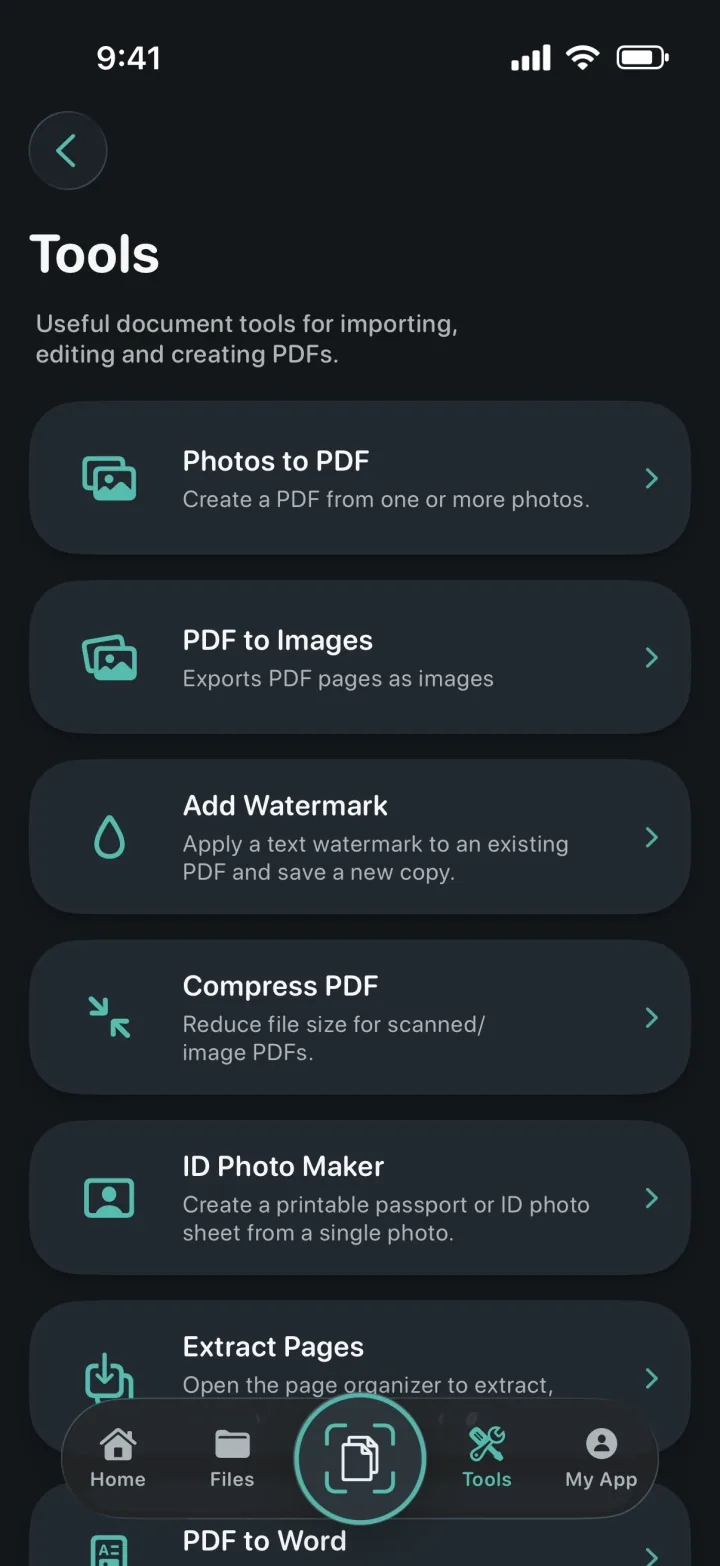
Use 35 × 45 mm, 40 × 50 mm, 50 × 50 mm, 50 × 60 mm, 50 × 70 mm, US 2 × 2 in or enter a custom width and height in millimeters or inches.
Auto Crop uses face analysis to suggest framing while preserving the original image proportions. You can adjust the crop manually when the source or requirement needs a different composition.
On-device checks assess face count and position, eye visibility when detectable, lighting, sharpness, background consistency and whether the crop supports a 300 DPI result.
A clear three-step workflow
ProScan PDF keeps the action, confirmation and saved file inside one focused workflow.
Use the camera for a new photo or select an existing image. The source is prepared with the correct orientation so camera photos are not stretched or rotated incorrectly.
Select a standard format or enter a custom size, then use Auto Crop or manual pan and zoom controls. Quality guidance helps identify issues worth reviewing before export.
Create a JPEG or PNG single photo, or build a ready-to-print PDF sheet on A4, US Letter or 4 × 6 inch paper with repeated copies arranged at the selected physical size.
Built for practical documents
The maker calculates output dimensions for print rather than treating an ID photo as an arbitrary square crop. Standard presets speed up common tasks, and the custom option covers requirements that use a different size.
Face placement, pose, lighting, sharpness, background variation and resolution are analyzed locally. The checks are designed to help you notice common problems before printing without sending a portrait to an external service.
Choose a paper size and ProScan PDF calculates how many photos fit with appropriate margins and spacing. The resulting PDF can be printed or shared, while JPEG and PNG remain available when a single digital photo is required.
Questions, answered
Practical details about how this feature works in ProScan PDF.
The app includes 35 × 45, 40 × 50, 50 × 50, 50 × 60 and 50 × 70 mm, US 2 × 2 in and a custom-size option.
Yes. Create a PDF sheet for A4, US Letter or 4 × 6 inch paper with repeated photos at the chosen physical size.
No. Cropping preserves the source proportions and selects a region that matches the target aspect ratio.
No. Requirements vary, so you should always compare the result with the current rules from the issuing authority.
Continue the workflow
Your next document is one tap away
No ads. No watermarks.