A simpler way to send images
Combine related photos into one PDF instead of attaching each image separately. It is useful for photographed notes, records, receipts, artwork, reference pages and other visual material.
Photos become one document
Choose one or more images and turn them into a PDF that is easier to file, send and revisit than a loose group of photos.

Combine related photos into one PDF instead of attaching each image separately. It is useful for photographed notes, records, receipts, artwork, reference pages and other visual material.
The PDF keeps every selected image as a page inside one file, making the result easier to rename, store, organize and share from the same My Files library as your scans.
Photo processing and PDF creation happen on the device. ProScan PDF does not need to upload the selected images to its own server to build the file.
A clear three-step workflow
ProScan PDF keeps the action, confirmation and saved file inside one focused workflow.
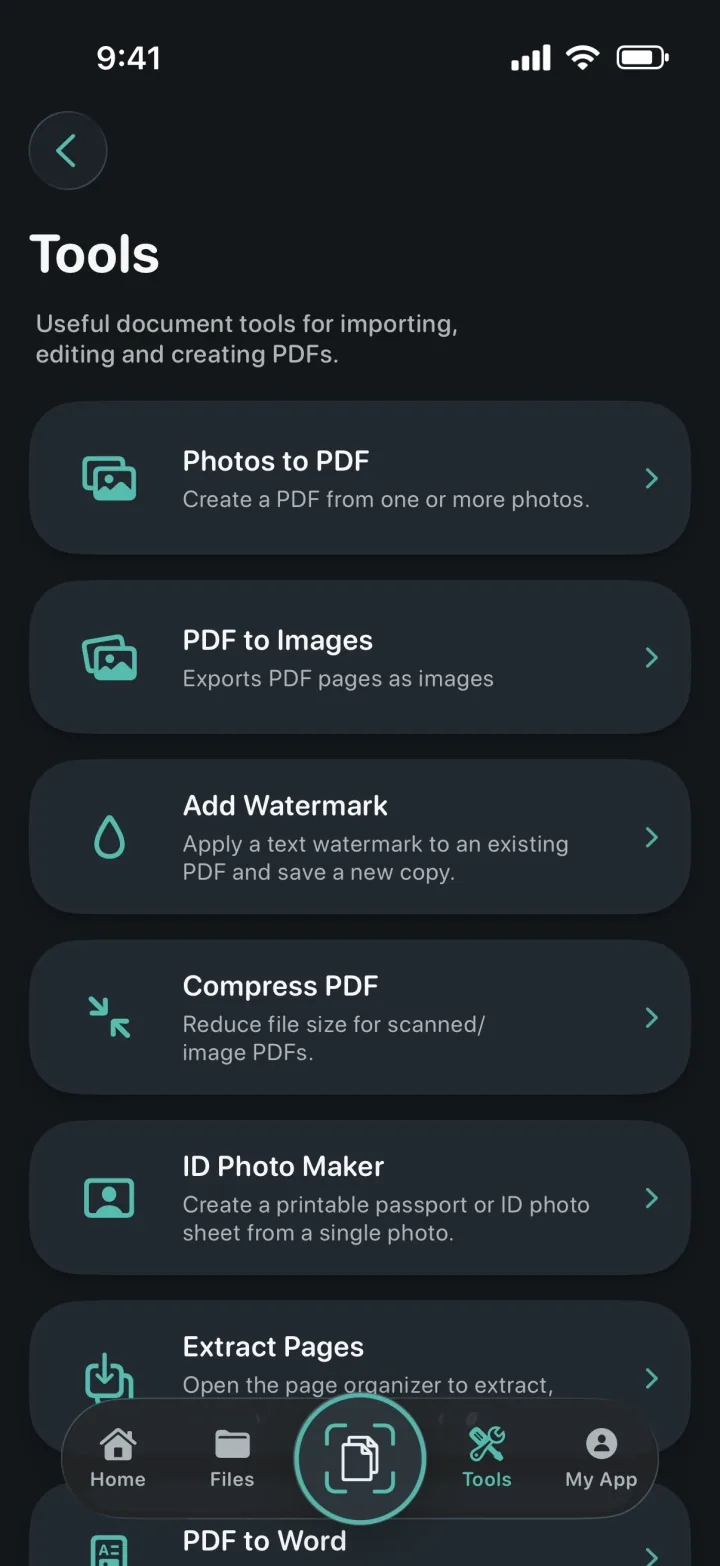
Go to Tools and choose Photos to PDF. The system photo picker lets you select the images you want to include without granting unnecessary access to the rest of your library.
Choose a single photo for a quick one-page PDF or select multiple related images for a longer document. ProScan PDF prepares each image as a PDF page without stretching its proportions.
Save the result and continue working from My Files. You can rename it, view it, organize pages, compress it, add a watermark, lock it with a password or share it.
Built for practical documents
Photos to PDF works well when the source is already in your Photos library: screenshots, downloaded forms, photographed handwritten notes, reference images or a sequence of pages captured earlier.
The generated PDF joins the same document library as scanned files. There is no need to move between a photo converter, a PDF editor and a sharing utility just to finish one document.
The app does not interrupt the conversion with advertising and does not stamp the result with a ProScan PDF watermark. If you want a watermark, the separate Add Watermark tool lets you choose the text and color intentionally.
Questions, answered
Practical details about how this feature works in ProScan PDF.
Yes. Select multiple photos and ProScan PDF creates a multi-page PDF with one selected image on each page.
No. The conversion preserves the photo’s proportions instead of forcing it into a distorted shape.
No automatic watermark is added. The separate watermark tool is available only when you want to apply one yourself.
Yes. Open Compress PDF from Tools to reduce the size of image-based PDFs when a smaller file is needed.
Continue the workflow

Your next document is one tap away
No ads. No watermarks.