Made for scanned documents
The compressor rebuilds scanned and image-based pages with a more efficient image representation. That makes it useful for camera scans, photographed paperwork and PDFs created from photos.
Smaller files, clear feedback
Reduce the size of scanned and image-heavy PDFs on your device, then see a clear before-and-after result when the new file is ready.

The compressor rebuilds scanned and image-based pages with a more efficient image representation. That makes it useful for camera scans, photographed paperwork and PDFs created from photos.
The original document is not silently overwritten. ProScan PDF creates a new compressed PDF so you can compare the result and keep the source when it matters.
The completion card shows the original file size, the compressed file size and the percentage reduction instead of confirming the save without useful context.
A clear three-step workflow
ProScan PDF keeps the action, confirmation and saved file inside one focused workflow.
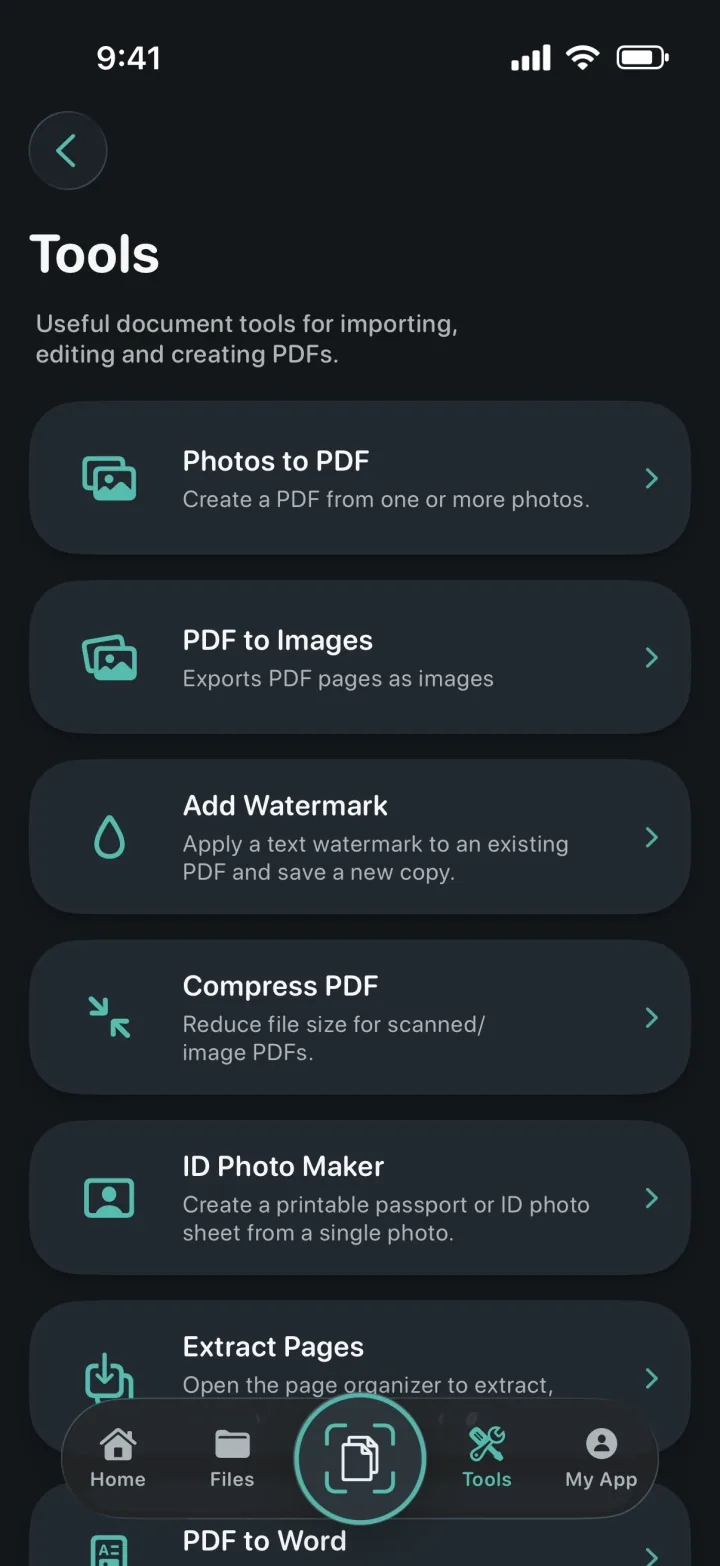
Open Tools, tap Compress PDF and select the document from your library. Image-heavy scans are the best candidates because their pages contain the most compressible data.
ProScan PDF renders and encodes the pages locally with settings intended to reduce storage size while keeping the document practical to read and share.
When processing finishes, the result card compares the original and compressed sizes and reports the percentage saved. The new PDF is available in My Files.
Built for practical documents
A smaller PDF can be easier to attach to email, upload to a form or keep in a long-term document archive. Compression can also help when many scanned documents occupy local or iCloud storage.
The compressor rebuilds the PDF without intentionally changing the page sequence or mirroring the content. The finished document keeps the same reading direction and page order as the source.
After compression, you can view, rename, organize, watermark, sign, lock or share the new copy. The result stays in the same library rather than being exported into a disconnected temporary location.
Questions, answered
Practical details about how this feature works in ProScan PDF.
No. ProScan PDF saves a separate compressed copy so the source remains available.
Scanned pages, photos and other image-heavy PDFs usually produce the largest reductions.
Yes. The success card displays the original size, compressed size and percentage reduction.
No. The document is processed locally on your iPhone or iPad.
Continue the workflow

Your next document is one tap away
No ads. No watermarks.